01 / LINUX
Mint Voice Typing
Start and stop dictation with Super + H. Speech recognition runs locally after setup, with a microphone-level overlay and adjustable settings.
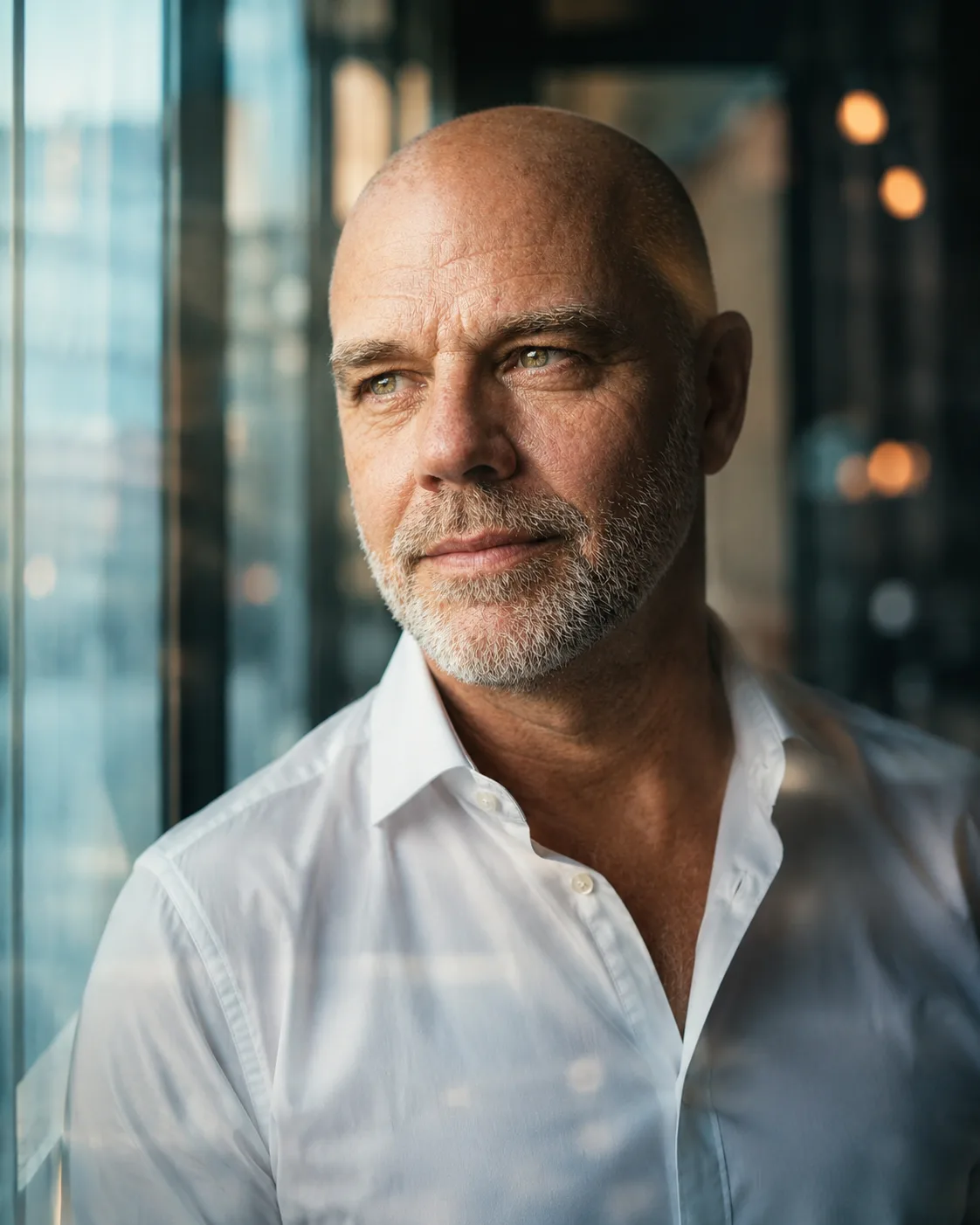
I’m Kelly Dodsworth. I build websites, explore AI-assisted imagery and make small tools for Linux and Android. I test them, break them, improve them and occasionally end up with something useful. This is where I keep the work that interests me most.
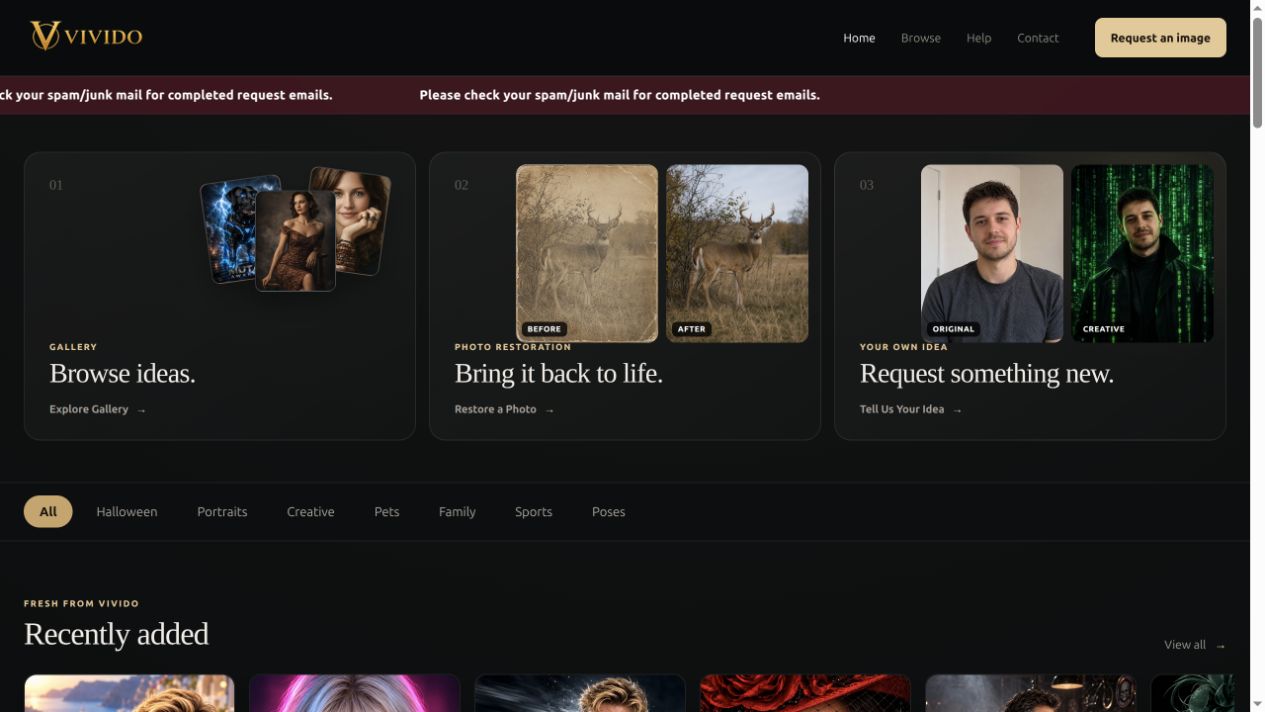
Vivido brings together my interests in web design, photography and AI-assisted imagery.
One project where code, imagery and curiosity are allowed to collide.
Vivido started around AI-assisted imagery and grew into a custom-built playground: seasonal collections, image presentation, moderation tools, admin controls and whatever useful idea comes next.

Practical tools, creative work and experiments built through hands-on learning.
Start and stop dictation with Super + H. Speech recognition runs locally after setup, with a microphone-level overlay and adjustable settings.
A custom-built home for AI-assisted images, creative requests and photo restoration.
Photo conversion and creative text tools for Android. Download the apps or explore their Kotlin and Jetpack Compose source.
Three small tools from my Cinnamon desktop, with matching colours and adjustable layouts. Hover over a preview to take a closer look, or click to open it.
Live CPU, memory, disk usage and network activity in one compact desktop panel.
System readings · Network traffic · Adjustable appearanceKeep recent copied text close at hand, pin useful snippets and click a card to copy it again.
Text history · Pinned snippets · Pause recordingA desktop home for website links, local server controls, backups and everyday tools.
Site status · Local servers · LaunchersSmall apps I’ve built, with source code for anyone who wants to see how they work.
Convert photos to JPG, PNG or WebP, adjust quality and size, and choose where to save the results.
Turn text into creative Unicode styles, browse styles and copy the result for use in social posts and messages.
Download an APK on your Android phone, open the file and follow Android’s installation prompts. Your browser or file manager may ask for permission to install this download.
These are the existing development builds recovered from my Android projects. They have not been rebuilt or retested for this website. If an existing installation has a different signing key, Android may reject an update.
The source ZIPs contain the Android Studio projects. Extract a ZIP and open the project folder in Android Studio. Local SDK paths and build caches are omitted.
The previous Photo Converter version is also available.
Version 0.2.0 — installation and first use.
Speak naturally. Type anywhere.
Turn speech into text with local voice typing on your Linux Mint Cinnamon desktop. After setup, speech recognition runs offline. Start and stop with Super + H.
Linux Mint 22.x Cinnamon · 64-bit Intel/AMD · X11
Internet for setup and at least 2 GB free. Setup downloads approximately 640 MB of models plus dependencies. Wayland is not supported.
bash install.sh, answer y and enter your password when the package manager requests it.The first start can take several seconds. Keep the destination window selected until the overlay disappears; the final words may arrive after you stop.
Recognition runs locally after installation. Setup contacts package repositories, PyPI, Hugging Face and GitHub. This tool controls dictation; it does not mute your system microphone.
If Super + H is already assigned, the installer preserves that shortcut. Launch Mint Voice Typing from the menu or follow the README inside the ZIP to assign another shortcut.
Check your microphone signal in Sound → Input. Errors are saved in ~/.local/state/mint-voice-typing/recognizer.log. The ZIP includes the complete README, licence and troubleshooting details.
To remove it, run bash ~/.local/share/mint-voice-typing/uninstall.sh.
Early release: checked on my working setup. A complete installation and microphone test on another clean Mint computer still need testing.
What I’m exploring and working on next.
Building more small utilities and getting deeper into Kotlin, Compose and Android UI.
Cleaner admin screens, better mobile layouts and simpler ways to manage site content.
Exploring restoration, portrait generation, styling and image workflows.
New ideas often start with a small problem or a moment of curiosity. There’s always something to explore.
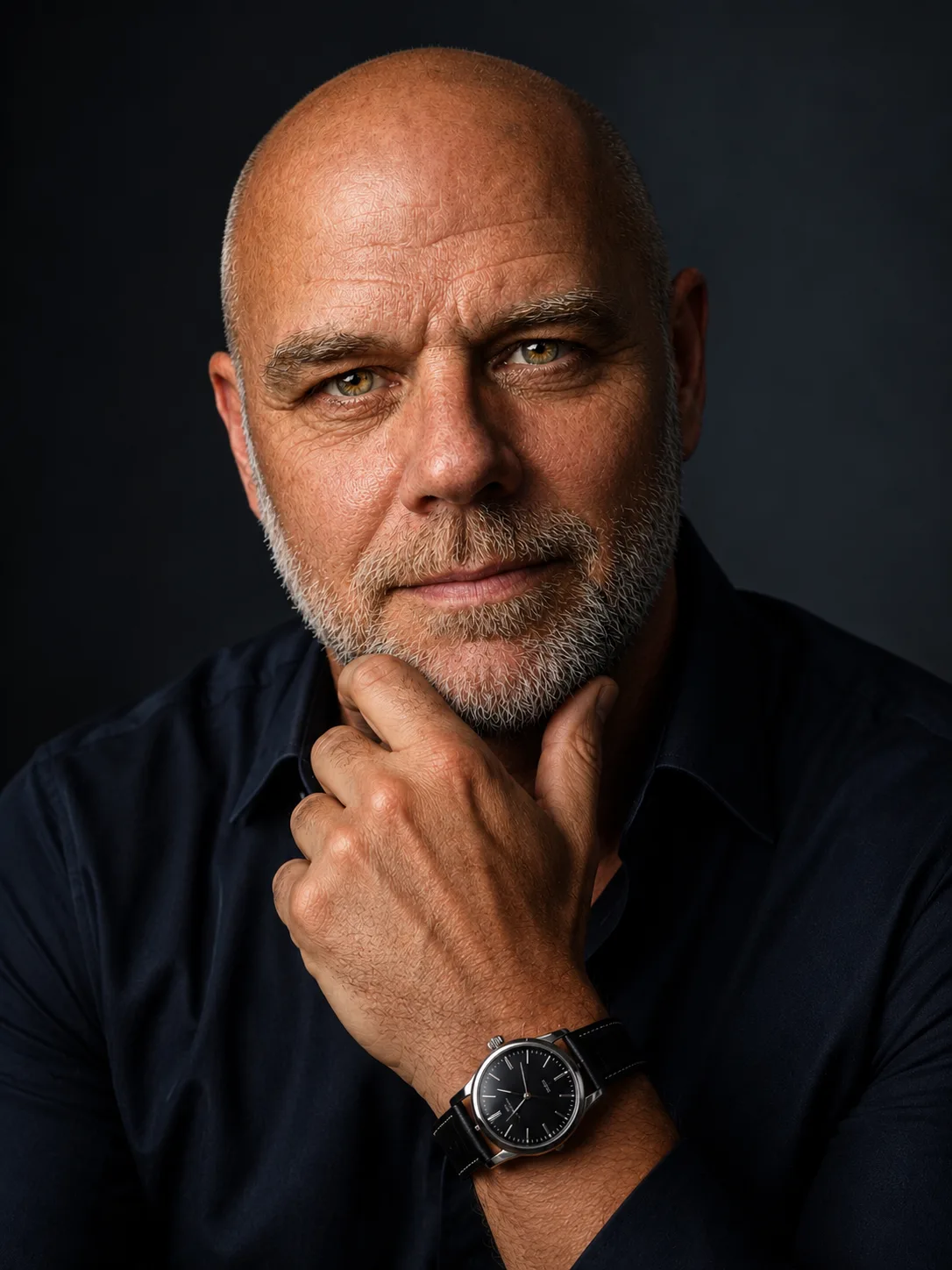
I’m Kelly Dodsworth. Most of what I make starts with curiosity: a website idea, a small Android tool, a visual experiment or a problem that annoys me enough to fix it.
I’m more interested in useful work than impressive-sounding titles, and I’d rather build something small that works than something complicated nobody needs.
A personal creative space for the work, experiments and ideas I want to keep making.